












Since day one, your game servers were managed from WISP, a panel made by a third-party company. Not anymore: YorkHost now has its own panel. We built it in-house on Pterodactyl, the most widely used open-source engine for game servers, around the tasks you actually do.
Installing a plugin, changing the difficulty, recovering a file you deleted by mistake or bringing a server over from another host used to need an SFTP client or a support ticket. Now it takes a few clicks. Here is what changes.
Why an in-house panel?
With a third-party panel, every improvement depended on someone else's roadmap. With ours, when a player asks for something on Discord, we can build it. Pterodactyl gives us a proven foundation maintained by a large community; everything you see and click is designed by YorkHost.
A console that works for you
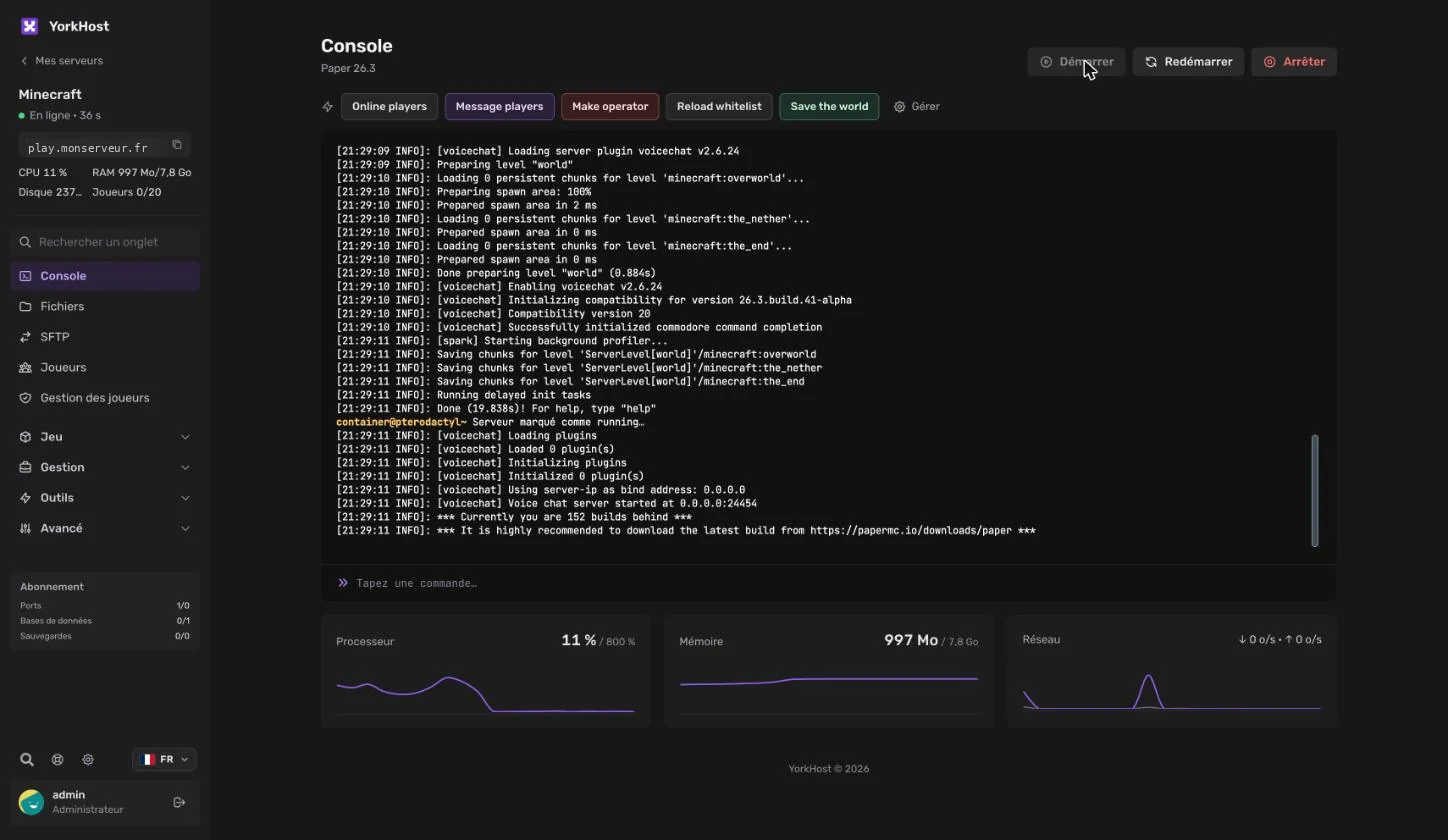
The console is still the heart of the panel: start, restart and stop, live log and command input. Above it, add up to 20 quick commands per server (list players, save the world, reload the whitelist…) with the colour and confirmation you want. Below it, CPU, memory and network are shown in real time.
Server health
Automatic restart after a crash and detection of a frozen server that stops responding or logging.
Auto restart
Daily, on chosen days or every N hours, with in-game warnings before it happens and an optional backup.
Readable logs
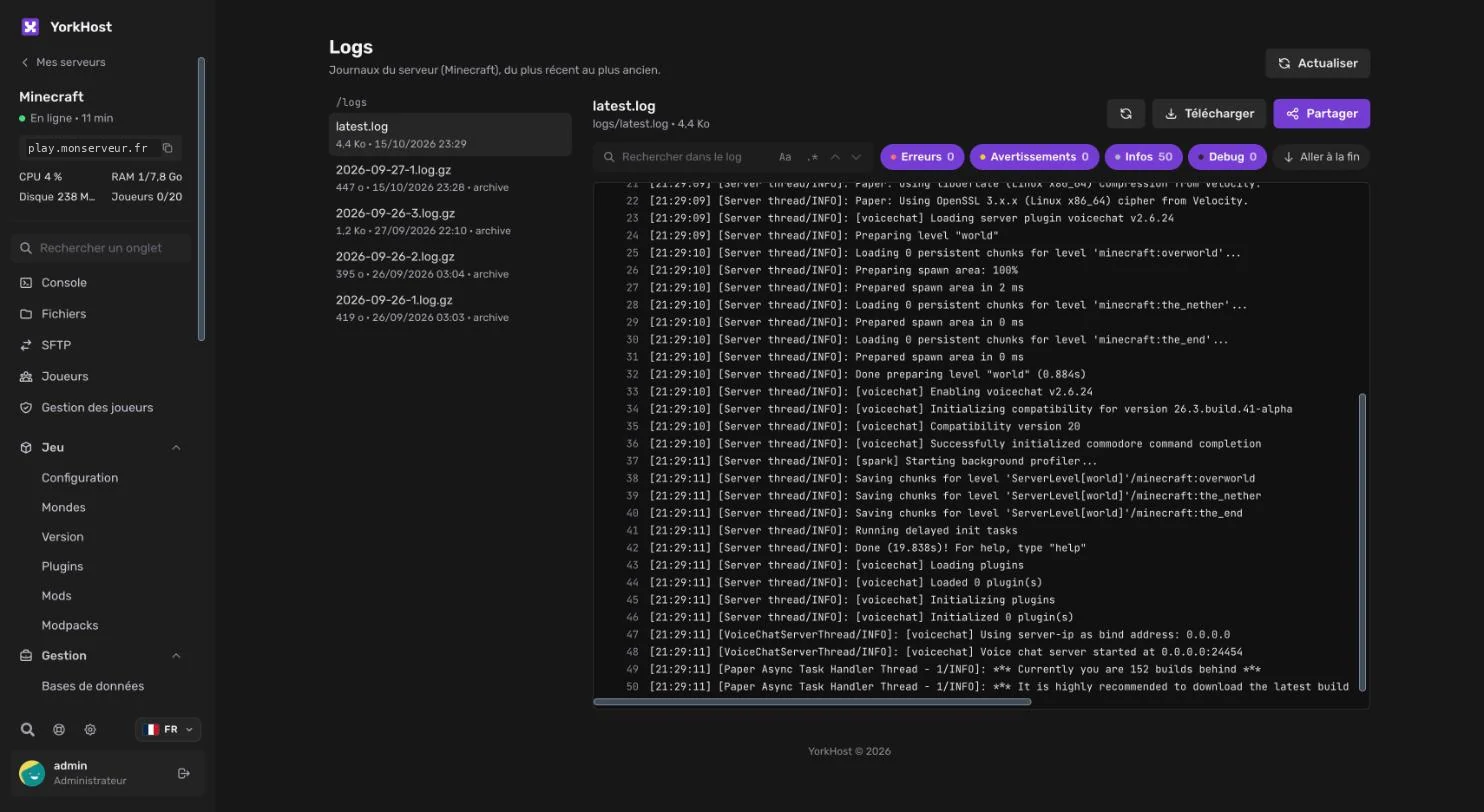
Logs from newest to oldest, archives included, filtered by level and searchable. Sharing creates a read-only link that hides IPs, emails and passwords.
Minecraft: plugins, mods and settings without touching files
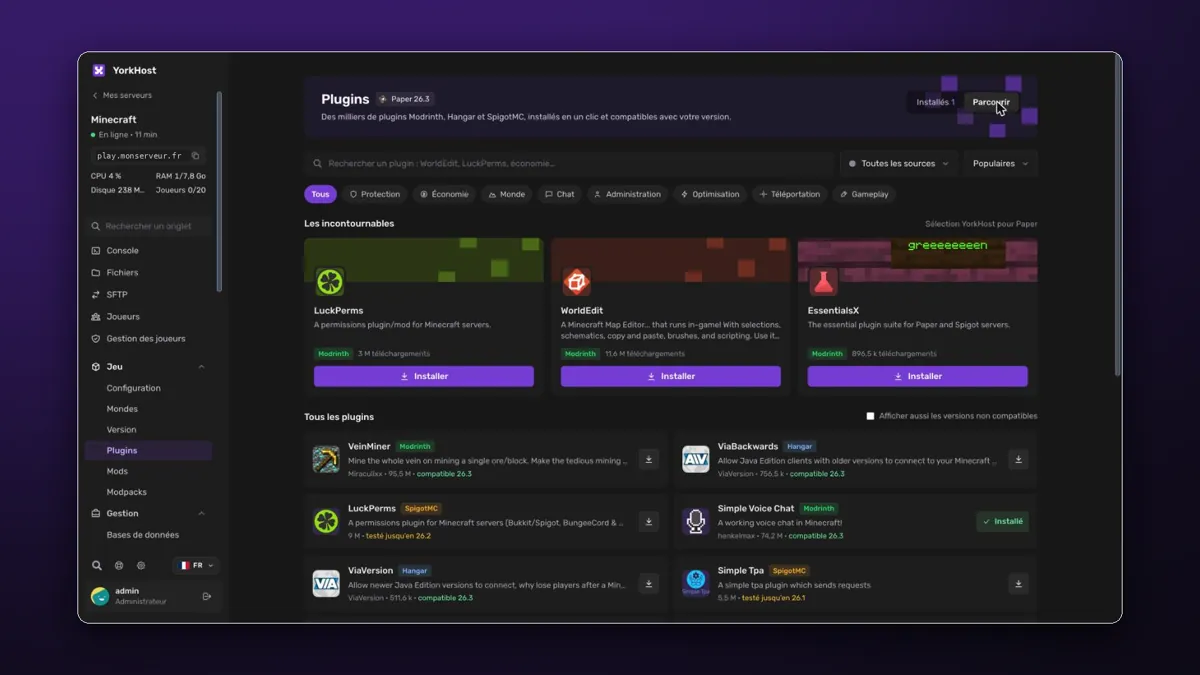
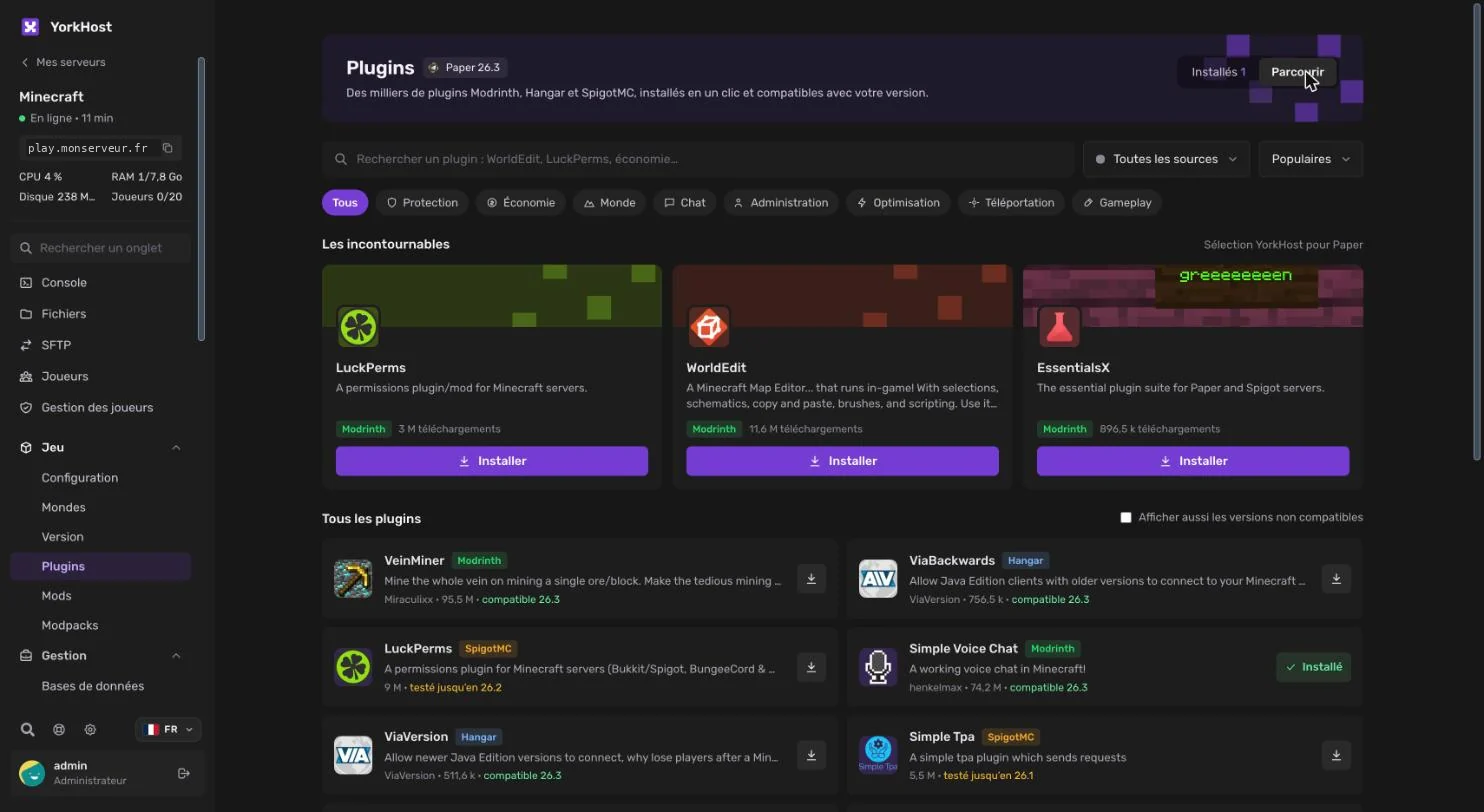
The Plugins tab brings Modrinth, Hangar and SpigotMC together in one catalogue, filtered for your server version. Search, click Install, done; installed plugins update from the same tab. Mods and modpacks work the same way, and the Version tab switches software (Vanilla, Paper, Purpur, Fabric, Forge, NeoForge…) or version in seconds.
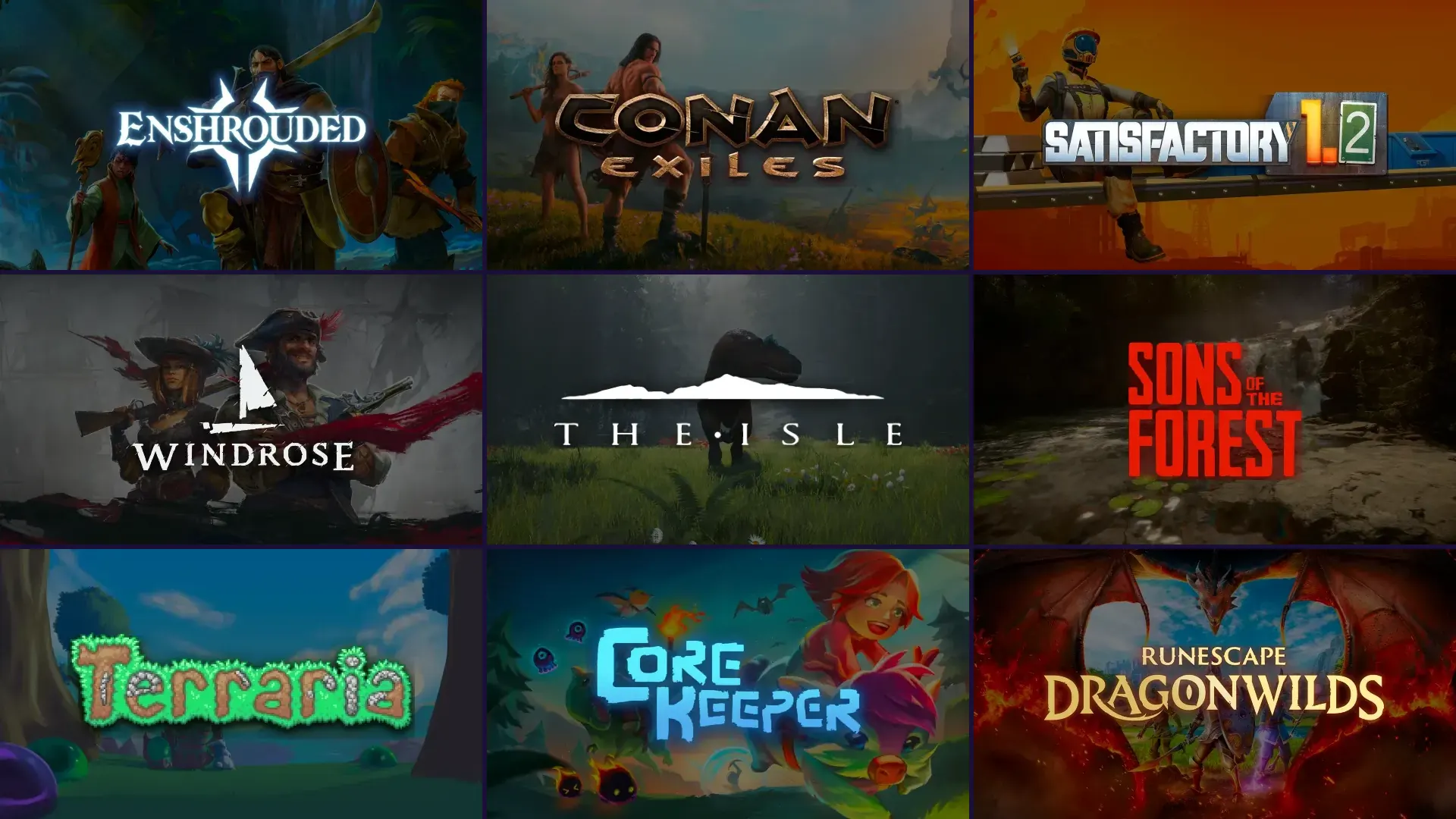
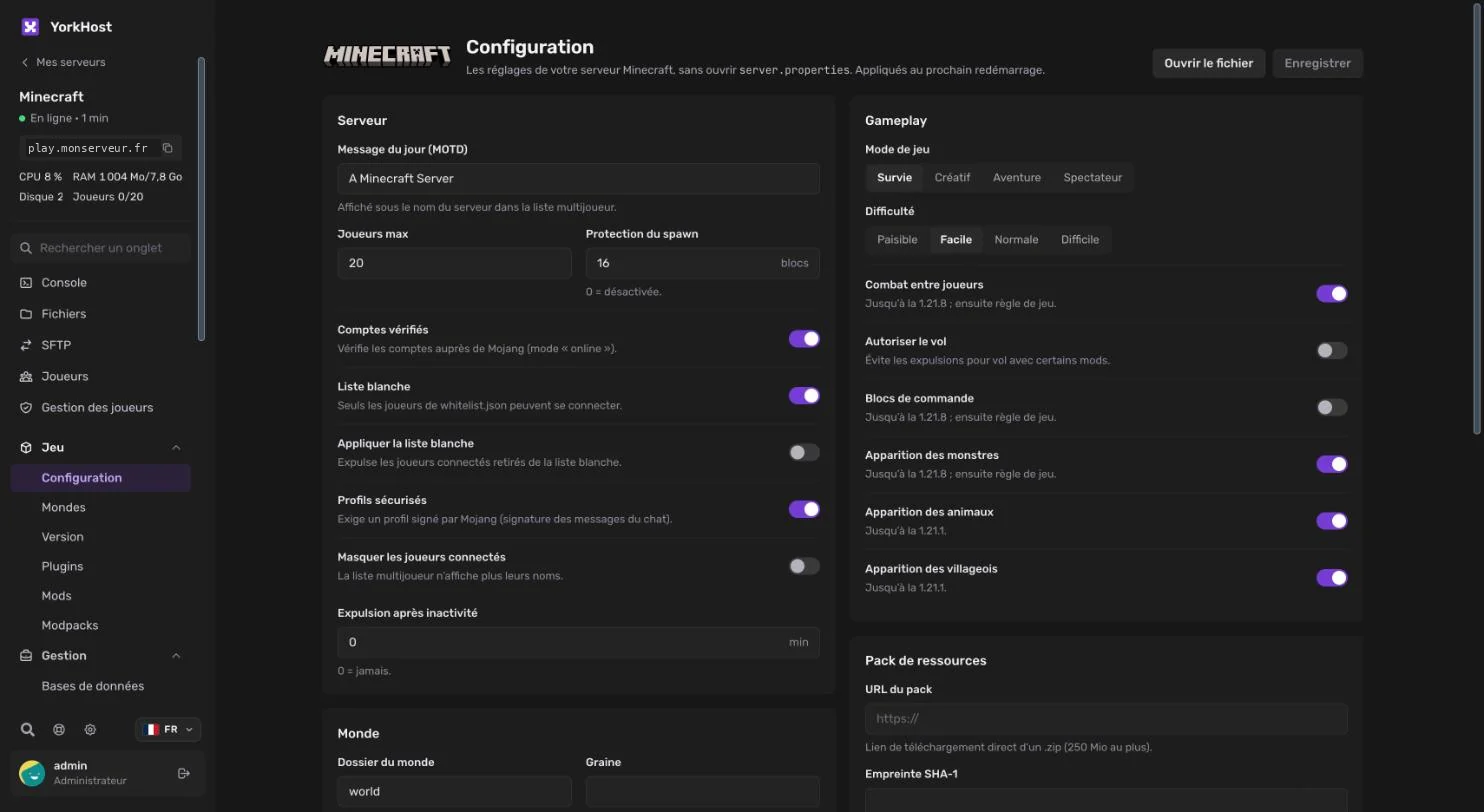
The Configuration tab turns server.properties into a form: message of the day, player count, whitelist, game mode, difficulty, PvP, resource pack… Each setting is explained and applies on the next restart. This form exists for around fifty games, including Rust, ARK, Palworld, Valheim, DayZ, FiveM, Satisfactory and Project Zomboid.
Tabs tailored to each game
The menu adapts to your game and only shows the tabs your server needs. A few examples:
- Worlds: list, download, import, pick the active world and reset with a backup (Minecraft, Rust, ARK, Valheim, Palworld, 7 Days to Die).
- Rust: immediate or scheduled wipes with in-game warnings, uMod plugins (Oxide / Carbon).
- FiveM: txAdmin, artifact picker (recommended or known broken), MySQL fixer.
- Workshop and CurseForge mods for ARK: Survival Ascended, Hytale and more.
- Players and Player management: online players, operators, whitelist, bans and kicks.
- Discord bots: pick Node.js or Python and its version, with missing package detection.
Files: a recycle bin and a security scan
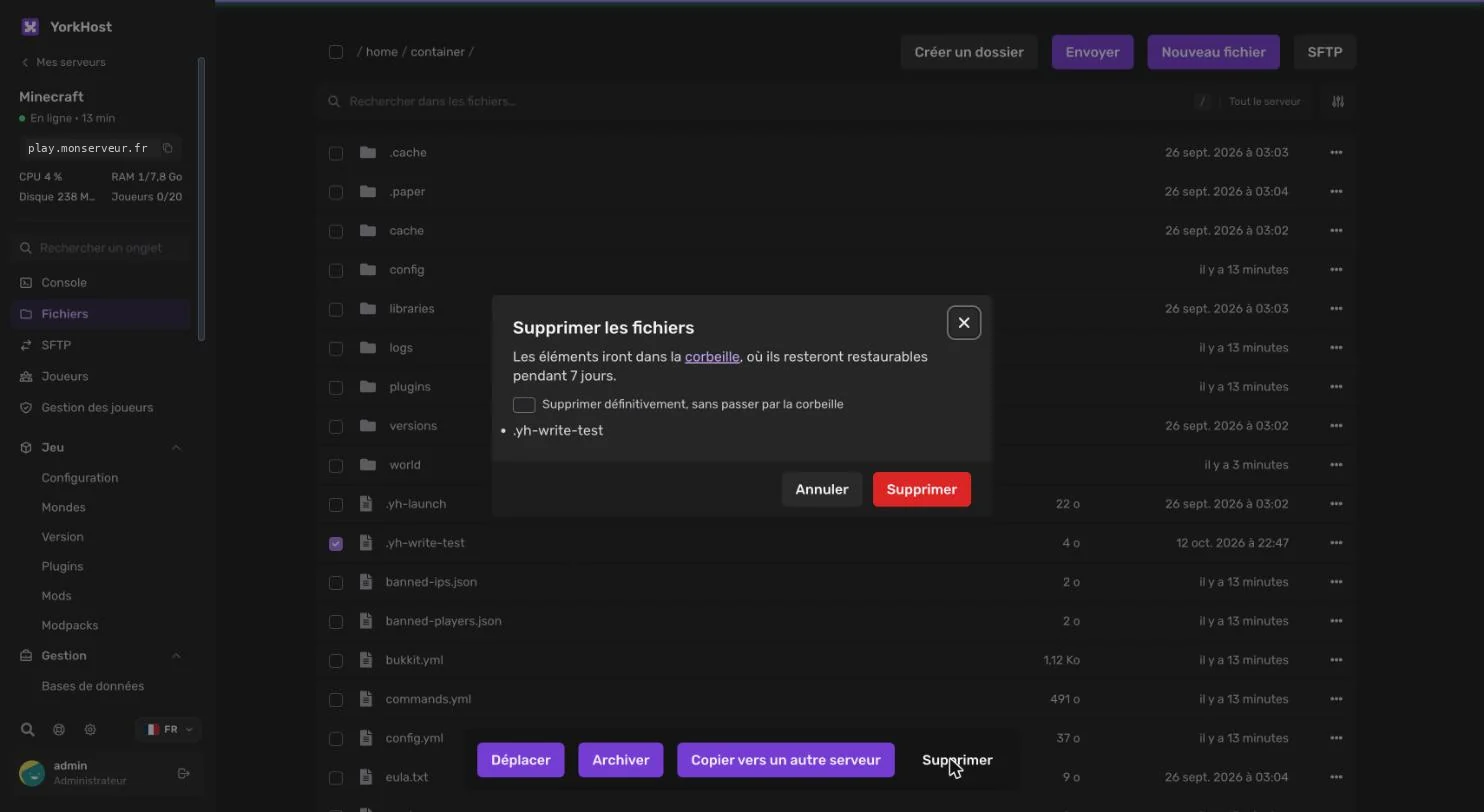
The file manager has been redesigned: favourites, server-wide search, move, archive and copy to another of your servers. Above all, a deleted file is no longer lost: it goes to the recycle bin, where you can restore it for 7 days. The bin does not count towards your server's disk space, and a checkbox still lets you delete permanently.
The security scan looks through your server files for known backdoors and malware: trapped FiveM resources, infected Minecraft plugins and mods, webshells, crypto miners. The scan runs on your server's machine: no file is sent anywhere else. For each finding, read the explanation, then ignore it or delete the file.
Move from another host in minutes
The Import a server tool copies your files from your previous host over SFTP, FTP or FTPS. Enter the credentials, test the connection, choose the folder to import, and the copy starts with a progress bar. Credentials are only used for this transfer and are never stored.
Enter the credentials
Protocol, host, port, username and password from your previous host.
Test and choose
The panel connects and lets you browse the remote folders.
Copy
The transfer runs server to server, not through your computer, with a report at the end.
Databases, sub-users and support
- Databases: credentials and connection string ready to copy, one-click phpMyAdmin with automatic login, large .sql imports in the background.
- Sub-users: Read-only, Moderator, Developer or Full presets to give each team member the right access.
- Support access: grant our team temporary access to a server, logged, revocable and removed automatically when it expires.
- Open a ticket from the panel with the right service already filled in.
- Direct login from the client area, two-factor authentication and a language choice (French or English).
Were you on WISP? What changes for you
Your servers, files, backups, databases and sub-users have been carried over to the new panel: nothing to reinstall. On your first login, the panel asks you to set a new password, then walks you through what's new. Your in-game connection addresses do not change.
Key takeaways
- 1
An in-house panel
Built by YorkHost on a Pterodactyl base, it replaces WISP.
- 2
Fewer files to edit
Plugins, mods, versions and settings are managed from forms.
- 3
More safety nets
7-day recycle bin, security scan and automatic restart after a crash.
- 4
Easy migration
Import a server from any host over SFTP or FTP.
This panel will grow with you: tell us on Discord what you are missing. We now decide what comes next.