

The YorkHost mobile app is here
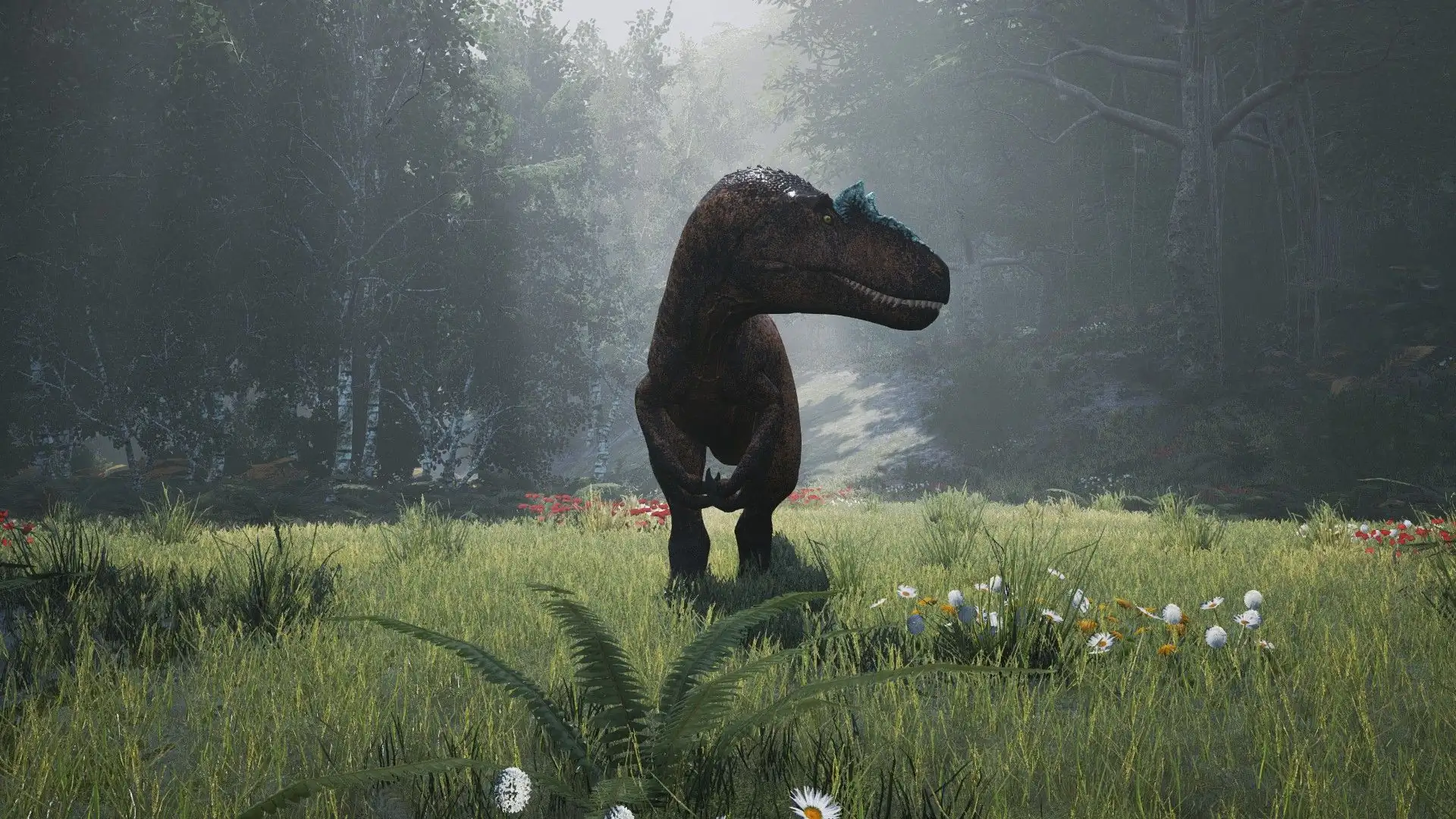
A dinosaur in a clearing in The Isle Evrima, server hosted by YorkHost
The Isle logo
Dinosaur survivalEvrima dedicated server

Server hosting for The Isle Evrima

Rent your The Isle Evrima server hosted in France: AMD Ryzen or Intel CPUs built to handle AI and big player counts, NVMe storage, Wisp panel and Anti-DDoS included. Your island goes live minutes after payment.

200
Recommended players
10 Gbps
Network
NVMe
Storage
7/7
Support
AMD Ryzen or Intel
Wisp panel
Anti-DDoS
10 Gbps network
7/7 support

Our The Isle Evrima plans

Four tiers, from Hatchling to Elder, sized for your server's CPU load and AI density.

MonthlyAnnual-15%

Hatchling

8.99€/month
AMD Ryzen or Intel
3 vCores
8 GB RAM
40 GB NVMe
10 Gbps
20-40 players
Evrima branch
Wisp panel
Gcore Anti-DDoS
7/7 support
Order
POPULAR

Juvenile

13.99€/month
AMD Ryzen or Intel
4 vCores
12 GB RAM
60 GB NVMe
10 Gbps
40-80 players
Evrima branch
Wisp panel
Gcore Anti-DDoS
7/7 support
Order

Adult

18.99€/month
AMD Ryzen or Intel
6 vCores
16 GB RAM
80 GB NVMe
10 Gbps
80-125 players
Evrima branch
Wisp panel
Gcore Anti-DDoS
7/7 support
Order

Elder

27.99€/month
AMD Ryzen or Intel
8 vCores
24 GB RAM
100 GB NVMe
10 Gbps
125-200 players / dense AI
Evrima branch
Wisp panel
Gcore Anti-DDoS
7/7 support
Order
Performance

CPU and AI: what really drives a The Isle server

An Evrima server isn't sized like other games: the processor and AI density matter far more than the raw slot count.

A CPU-hungry game

Evrima's simulation (AI, movement, combat) relies largely on one main core. A strong CPU keeps the server smooth as the island fills up.

RAM follows AI density

The more AI creatures you spawn, the more memory the server uses: a server that idles light can use several times more with dense AI.

Populations of 100+ players

Evrima community servers often host 100 to 200 players. The slot count is fully configurable, within the resources of your plan.

Game.ini & Engine.ini

Configure your Evrima server

Everything is set in the server's config files, which you can edit from the Wisp panel file manager or over SFTP.

Whitelist

Access limited to approved players

Admins

Admin rights granted by SteamID

AI creatures

Toggle AI and set its density

Playable dinosaurs

Pick which species are available

Growth

Dinosaur growth speed

Player slots

Adjust slots to fit your plan

Queue

Waiting line when the server is full

RCON

Remote administration

Server name

Shown in the server browser

Game.ini holds most gameplay and admin settings, while Engine.ini covers more technical parameters. We recommend stopping the server before editing these files, then restarting it to apply your changes.

Why YorkHost?

Why choose YorkHost for The Isle?

Infrastructure in France built for large survival communities.

Full Wisp panel

Real-time console, files, SFTP, backups and task scheduler.

NVMe storage

Fast startups and saves, even with a large population.

Automatic deployment

Your server is installed within minutes of payment.

Hosted in France

Low latency for players across France and Europe.

Anti-DDoS protection included

Every The Isle server is protected against DDoS attacks by Gcore at no extra cost. A real plus for busy, high-profile community servers.

Gcore
Anti-DDoS
Evrima branchLive within minutesUp to 200 recommended playersBackupsNVMe storageAnti-DDoS includedHosted in France
Guide

The Isle Evrima server hosting: which plan to pick and how to set it up

Renting a The Isle server from a specialist host gives your community an island that's online 24/7, able to host dozens of players without relying on anyone's PC. Here's how to pick the right plan and configure your Evrima server.

Which plan fits your player count and AI?

On The Isle Evrima, two things size your server: how many players are online and how many AI creatures roam the map. The CPU carries the simulation, while RAM mostly depends on AI density: a server with lots of AI uses far more memory than one that keeps it limited.

  • Hatchling 3 vCores · 8 GB20 to 40 players, moderate AI.
  • Juvenile 4 vCores · 12 GBActive community of 40 to 80 players.
  • Adult 6 vCores · 16 GBLarge server with 80 to 125 players.
  • Elder 8 vCores · 24 GB125 to 200 players or very dense AI.

These are guidelines: you can move up to a bigger plan from your client area as your community grows.

A dedicated server on the Evrima branch

We install the official dedicated server on the Evrima branch, the current version of the game. Since the game is in active development, updates are frequent: the server must run the same version as your players' game for them to connect.

Take a backup before every major update so you can roll back if needed.

Whitelist, admins, dinosaurs and growth

Configuration lives in Game.ini and Engine.ini. That's where you add admins by SteamID, turn on a whitelist for a private server, choose the playable dinosaurs, tune AI spawning and density, or change the growth speed.

Exact setting names change between Evrima versions: if in doubt, our support team will point you to the right line.

Wisp panel, backups and support

You manage your server from the Wisp panel: real-time console, file manager, SFTP access, backups and a task scheduler to automate restarts and backups. The server is hosted in France on NVMe storage, with Gcore Anti-DDoS protection included.

Our team is on Discord 7 days a week to help with setup, administration or troubleshooting.

FAQ

FAQ - The Isle Evrima servers

Answers to common questions about our The Isle servers.

RAM depends mostly on AI density, then on player count. Plan for 8 GB (Hatchling) for 20 to 40 players, 12 GB (Juvenile) for 40 to 80 players, 16 GB (Adult) for 80 to 125 players and 24 GB (Elder) for 125 to 200 players or very dense AI. A server that starts out light can use much more once AI is running.

The slot count is set in the server configuration. Our plans are sized from 20-40 players (Hatchling) up to 125-200 players (Elder). Beyond those guidelines, the CPU is usually what limits performance.

Deployment is automatic: your The Isle server is installed on the Evrima branch within minutes of payment. You then get access to the Wisp panel to configure and start it.

Add your SteamID64 to the admin list in Game.ini from the Wisp panel file manager, then restart the server. You'll then have access to the in-game admin commands. Our support team can walk you through it if needed.

These settings live in Game.ini: whitelist and allowed SteamIDs, playable species, AI spawning and density, growth speed. Edit the file from the Wisp panel or over SFTP, ideally with the server stopped, then restart it to apply the changes.

Evrima doesn't offer official mod support at this time. You customize your server through its settings (Game.ini and Engine.ini): AI, available dinosaurs, growth, whitelist, player slots and more.

No: The Isle is only available on PC, through Steam. All your players need the game on Steam and must run the same Evrima version as the server.

Yes, backups are included with every The Isle plan. You create and restore them from the Wisp panel and can automate them with the task scheduler. We recommend taking one before every game update or major config change.

The Isle is in active development and updates are frequent. After an update, the server must run the same version as your players' game for them to connect. Take a backup first, and reach out to our support on Discord, 7 days a week, if anything goes wrong.

Live within minutes

Ready to release your dinosaurs on the island?

Deploy your The Isle Evrima server and welcome your community on infrastructure based in France.