


1-4 players
Ember
Ember: €7.49 per month.
- AMD Ryzen CPUEnshrouded cares more about clock speed than core count. Higher tiers add vCores to handle busy sessions.
- 8 GB RAM
- 50 GB NVMe
- Great for getting started
Dedicated Enshrouded server · Up to 16 players
Rent your own Enshrouded dedicated server in France and explore Embervale with up to 16 players, even when the host is offline. AMD Ryzen CPUs, NVMe storage, YorkHost panel and Anti-DDoS included, set up automatically within minutes.
From €7.49/month, no commitment.
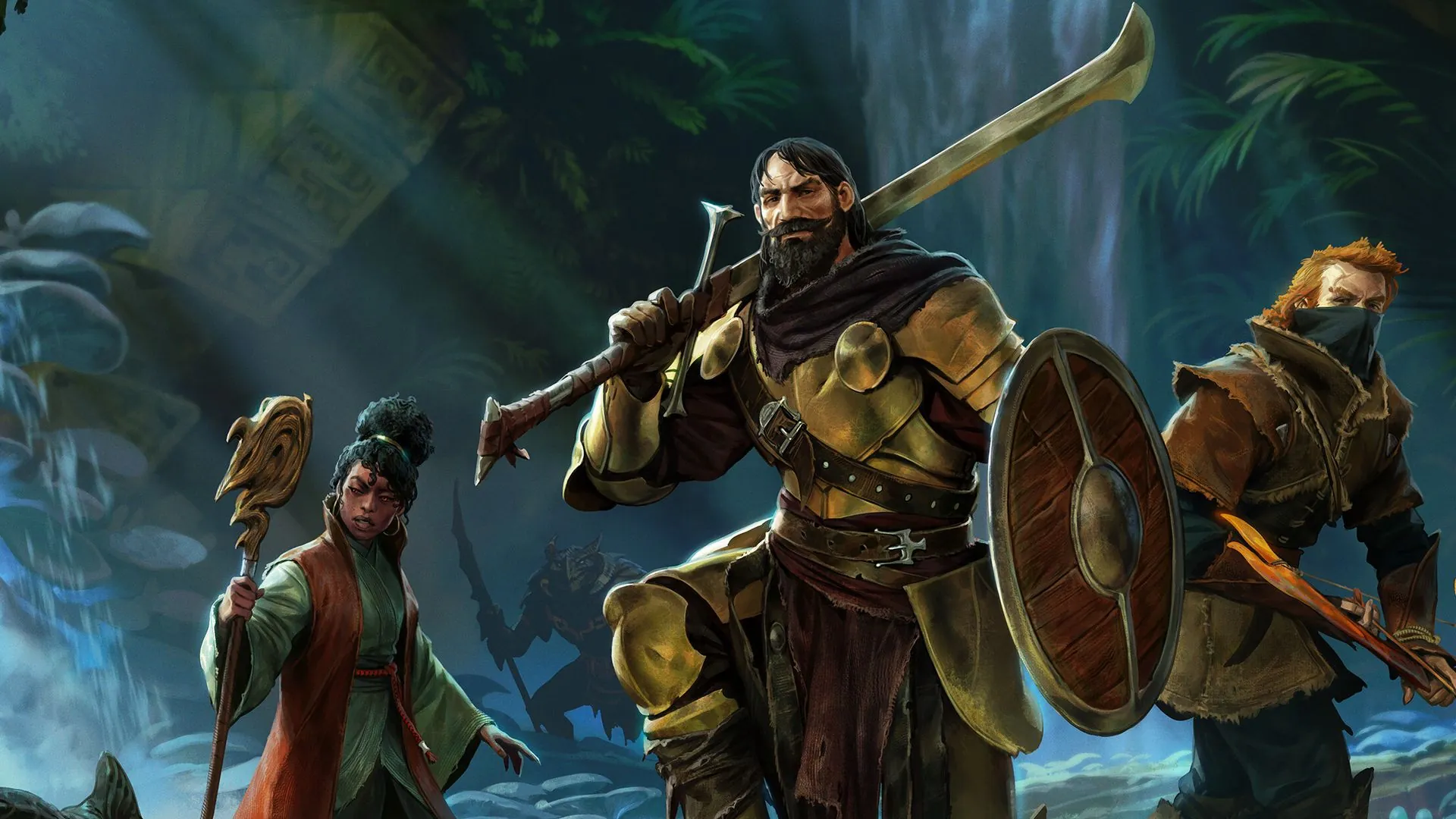
Built for a CPU-bound game: every tier adds more vCores, from 4 to 16 players.
Version 1.0 available since October 15, 2026
Enshrouded has reached version 1.0: your server updates to the new version from the YorkHost panel. Take a backup before updating; for large builds, the Embervale plan leaves you some headroom.
Players online at the same time8 players
Flameborn: 4 vCores and 10 GB RAM, 5-8 players.
Rough estimate: actual load depends on your mods, plugins and world size.
Ember: €7.49 per month.
Flameborn: €10.49 per month.
Shroudwalker: €16.99 per month.
Embervale: €24.99 per month.
Configuration
Everything lives in enshrouded_server.json, which you can edit straight from the YorkHost panel's file manager.
Pick the name shown in the in-game server list so your friends can find you easily.
Each group has its own password: the one a player enters decides what they're allowed to do.
Start from a difficulty preset or switch to custom mode to fine-tune your world.
The official dedicated server is built for Windows: we handle the environment and ports, so there's nothing for you to install.
{
  "name": "My Enshrouded Server",
  "slotCount": 16,
  "gameSettingsPreset": "Default",
  "userGroups": [
    { "name": "Admin",  "password": "••••••", "canKickBan": true },
    { "name": "Friend", "password": "••••••", "canEditBase": true },
    { "name": "Guest",  "password": "••••••", "canEditBase": false }
  ]
}Each group's permissions (and reserved slots) are set in the same file.
Guide
Renting an Enshrouded server keeps your corner of Embervale online around the clock: friends can keep playing and building when the host is away, without slowing down anyone's PC or forwarding ports on a home router. Here's how to pick the right plan and get your server configured.
An Enshrouded server holds up to 16 players, a cap set by the game itself. The right plan mostly depends on how many people play at the same time and how ambitious your builds get.
These are guidelines: you can upgrade from your client area whenever your group grows.
Enshrouded is fairly light on memory: a few gigabytes go a long way, even with a full group. The voxel world, enemies and building physics, on the other hand, lean hard on the processor, and clock speed matters more than core count. That's why every tier adds vCores.
The official dedicated server is built for Windows: we manage that environment and the ports for you. Since version 1.0 launched on October 15, 2026, worlds and bases keep growing: the Embervale plan keeps some headroom.
enshrouded_server.json sets the server name, the number of slots and the role groups. By default there are three groups (admins, friends, guests), each with its own password and permissions: kicking players, accessing inventories, editing or extending bases.
You can also pick a difficulty preset or switch to custom mode for finer control. Restart the server from the panel to apply your changes.
You run your server from the YorkHost panel: live console, file manager, SFTP access, task scheduler and backups. Take a backup before each game update so you can roll back in a few clicks.
Our team answers 7 days a week on Discord for configuration, importing an existing world or troubleshooting.
Ember3 vCores · 8 GB
1 to 4 players, for exploring Embervale with friends.
Flameborn4 vCores · 10 GB
5 to 8 players, the sweet spot for a regular group.
Shroudwalker5 vCores · 14 GB
9 to 16 players, for a full server.
Embervale8 vCores · 20 GB
16 players, big builds and headroom for 1.0.
Why YorkHost
French infrastructure, a full-featured panel and a team on hand 7 days a week.
AMD Ryzen processors suited to a CPU-heavy game, with more vCores at every tier.
Fast world loading and saves, even with large builds.
Live console, file manager, SFTP access and task scheduler.
Discover the panelTake a backup before every update and restore your world in a few clicks.
Gcore protection on every plan, with extra in-house filtering when needed.
French team on Discord and by ticket, 7 days a week. Reply in under 2 hours.
Game servers are the first targets of DDoS attacks. The Gcore network automatically filters UDP and TCP floods before they reach your server: your community stays connected without their latency suffering.
Illustrative diagram: the counter, latency and bursts are simulated; attack types come from the list below.
Traffic is analysed by Gcore
Traffic arriving through our transit providers goes through the Gcore scrubbing network, spread across Europe, America and Asia.
Attacks are filtered out
Gcore absorbs volumetric attacks; our internal filters complement the filtering when needed.
Only legitimate traffic gets through
It is routed to your server in our Paris infrastructure, on our own network AS199415.
UDP flood
The most common vector against game servers and real-time services.
SYN / ACK flood
TCP connection exhaustion meant to make the server unreachable.
DNS, NTP, Memcached amplification
Volumetric reflection attacks, absorbed upstream.
HTTP flood (L7)
Request bursts targeting your websites, panels and APIs.
Standard protection covers most use cases. If your service is a frequent target or highly sensitive to downtime, a Premium Anti-DDoS option may be needed: it is available on all our offers.
Available as an option on all our offers: VPS, game servers, web hosting, dedicated servers and reseller.
The 200+ Tbps figure is the capacity of Gcore's global network, not a capacity reserved for each server. The filtering profile depends on the service and the network, and YorkHost may change its mitigation providers.
Everything about our Anti-DDoS protectionEverything you need to know about our Enshrouded servers
Enshrouded is heavier on the CPU than on memory. 8 GB (Ember plan) is enough for a small group of 1 to 4 players, 10 GB (Flameborn) for 5 to 8 players and 14 GB (Shroudwalker) for a full 16-player server. The Embervale plan (20 GB, 8 vCores) adds headroom for large builds and version 1.0.
The game caps a dedicated server at 16 concurrent players. Every plan can host up to 16 players; higher tiers mainly add CPU power so the game stays smooth when the server is full.
In enshrouded_server.json, each role group (admins, friends, guests) has its own password. The password a player enters when joining decides their group: log in with the admin group's password to get full permissions. Use a different password for each group.
Open enshrouded_server.json from the YorkHost panel's file manager (or over SFTP), pick a difficulty preset or switch to custom mode to tweak the game settings, then restart the server to apply your changes.
Yes. With the server stopped, upload your save into the server's save folder using the file manager or SFTP. If you're unsure which files to move, our support team can help 7 days a week on Discord.
Yes. Version 1.0 launched on October 15, 2026 and your server updates to it from the YorkHost panel. Take a backup before updating. If your server runs short on resources with 1.0, you can move up a tier from your client area.
Our dedicated servers host players on the PC (Steam) version of Enshrouded. The PS5 version launched with 1.0, but there is no cross-play between PC and PS5: PS5 players can't join a PC server. The Xbox version is expected in 2027.
Enshrouded doesn't offer official mod support at this time. You customize your server through enshrouded_server.json: name, passwords, role groups, difficulty presets and settings.
Setup is automatic: your server is installed a few minutes after payment. All that's left is to set its name and passwords, then find it in the in-game server list.
Automatic setup
Launch your Enshrouded server and explore Embervale with friends, without relying on the host.