


Up to 2 players
Castaway
Castaway: €6.99 per month.
- 2 vCores AMD Ryzen or Intel
- 6 GB RAM
- 25 GB NVMe
- 1-2 players recommended
- YorkHost panel & SFTP
Sons of the Forest servers · Official dedicated
Rent a Sons of the Forest dedicated server hosted in France and keep your island online around the clock, even when the host logs off. We run the Windows environment for you, with NVMe storage, the YorkHost panel, built-in DDoS protection and 7-day support on Discord.
From €6.99/month, no commitment.
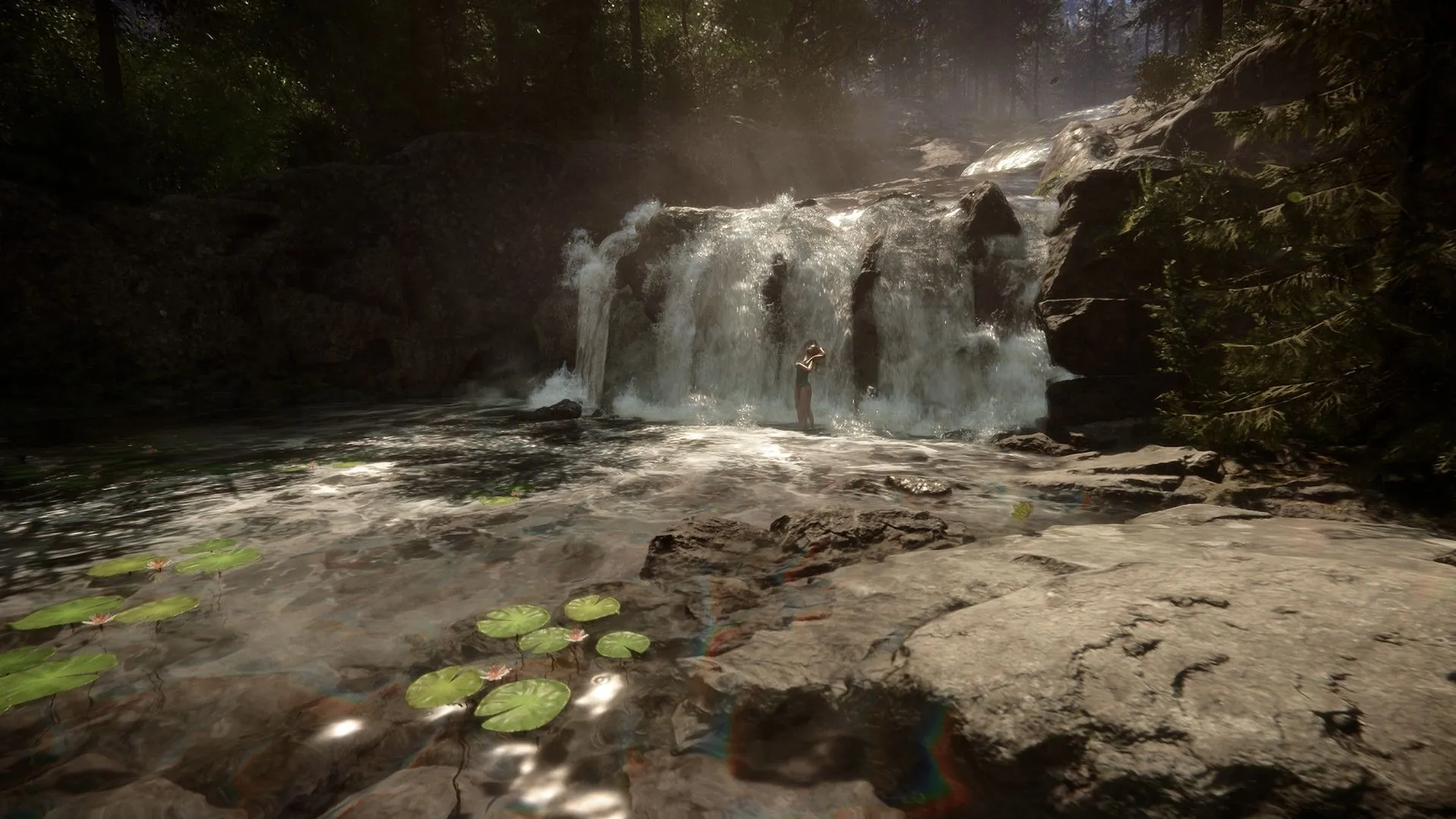
From a pair of survivors to a full 8-player group, pick the setup that fits your expedition.
Players online at the same time4 players
Scavenger: 3 vCores and 8 GB RAM, sized for 3 to 4 players.
Rough estimate: actual load depends on your mods, plugins and world size.
Castaway: €6.99 per month.
Scavenger: €8.99 per month.
Hunter: €12.99 per month.
Golden Armor: €17.99 per month.
Game modes
The game mode is set with the GameMode parameter in dedicatedserver.cfg, straight from the panel's file manager.
The experience the developers intended: threatening enemies and a fair amount of resources.
Tougher, more aggressive enemies for groups who already know the island.
Hard difficulty with harsher survival: hunger, cold and scarcer resources.
No enemies at all. Explore and build freely, perfect for builders.
Tune enemies, animals, seasons or day length yourself with CustomGameModeSettings.
Configuration
The official Sons of the Forest dedicated server only runs on Windows. We set up and maintain the environment so all you have to do is tweak your game.
The server's main configuration file, editable from the file manager or over SFTP.
ownerswhitelist.txt
Add each admin's SteamID64, one per line, then restart the server: those players get owner rights.
76561198000000000Windows included at no extra cost
No licence to supply and no OS to install: your server is deployed automatically a few minutes after payment, ready for your survivors.
Official server, no mods
Sons of the Forest has no official server-side mod support. Your server runs the official build; use Custom mode to tailor your game.
Guide
Renting a Sons of the Forest dedicated server keeps your game available at any time: your friends can jump onto the island without waiting for the host, and nobody has to leave their PC running. Here is how to pick the right plan and configure your server.
The game caps a server at 8 players. How much RAM you need mostly depends on how many survivors are online and how big your builds get: a large base with lots of pieces uses noticeably more memory.
These are guidelines only: you can upgrade from your client area whenever your group grows.
Endnight's official dedicated server only runs on Windows. We handle that environment for you: no OS to install and no ports to open on your router. Your server is deployed automatically a few minutes after payment, on AMD Ryzen or Intel CPUs with NVMe storage and a 10 Gbps network.
Everything is configured in dedicatedserver.cfg: GameMode (Normal, Hard, HardSurvival, Peaceful or Custom), MaxPlayers, Password for a private game, SaveSlot to pick the save and SaveInterval for how often the game saves. Custom mode lets you fine-tune enemies, animals or seasons.
The game has no official server-side mod support, so your server runs the official build. To become an admin, add your SteamID64 to ownerswhitelist.txt.
The YorkHost panel brings together a live console, file manager, SFTP access, backups and a task scheduler. Take a backup before every game update or settings change so you can roll back in a few clicks.
Got a question? Our team answers on Discord 7 days a week.
Castaway2 vCores · 6 GB
Solo or duo survival.
Scavenger3 vCores · 8 GB
Small group of 3 to 4 players.
Hunter4 vCores · 12 GB
Full server, 5 to 8 players.
Golden Armor6 vCores · 16 GB
8 players with big bases and long-running saves.
Why YorkHost
Your server runs on AMD Ryzen or Intel CPUs, with NVMe storage to load the world and save your games quickly.
Live console, file manager, SFTP access, backups and a task scheduler, all from your browser.
Discover the panelEvery server is protected against DDoS attacks by Gcore, a specialist provider, at no extra cost.
A 10 Gbps connection from France for smooth sessions with your friends across Europe.
French team on Discord and by ticket, 7 days a week. Reply in under 2 hours.
Game servers are the first targets of DDoS attacks. The Gcore network automatically filters UDP and TCP floods before they reach your server: your community stays connected without their latency suffering.
Illustrative diagram: the counter, latency and bursts are simulated; attack types come from the list below.
Traffic is analysed by Gcore
Traffic arriving through our transit providers goes through the Gcore scrubbing network, spread across Europe, America and Asia.
Attacks are filtered out
Gcore absorbs volumetric attacks; our internal filters complement the filtering when needed.
Only legitimate traffic gets through
It is routed to your server in our Paris infrastructure, on our own network AS199415.
UDP flood
The most common vector against game servers and real-time services.
SYN / ACK flood
TCP connection exhaustion meant to make the server unreachable.
DNS, NTP, Memcached amplification
Volumetric reflection attacks, absorbed upstream.
HTTP flood (L7)
Request bursts targeting your websites, panels and APIs.
Standard protection covers most use cases. If your service is a frequent target or highly sensitive to downtime, a Premium Anti-DDoS option may be needed: it is available on all our offers.
Available as an option on all our offers: VPS, game servers, web hosting, dedicated servers and reseller.
The 200+ Tbps figure is the capacity of Gcore's global network, not a capacity reserved for each server. The filtering profile depends on the service and the network, and YorkHost may change its mitigation providers.
Everything about our Anti-DDoS protectionAnswers to common questions about our Sons of the Forest servers.
For one or two players, 6 GB (Castaway plan) is enough. Go for 8 GB (Scavenger) with 3 to 4 players and 12 GB (Hunter) for a full server of 5 to 8 players. If your group builds very large bases or plays the same save for a long time, the Golden Armor plan (16 GB) gives you comfortable headroom.
The game caps a dedicated server at 8 concurrent players, whatever the plan. You can lower that number with the MaxPlayers setting in dedicatedserver.cfg.
With a dedicated server the island stays online 24/7: your friends can play while the host is away, nobody has to leave a PC running and there are no ports to open on your router. You also get a 10 Gbps network and DDoS protection.
Every player needs their own copy of Sons of the Forest on Steam. In game, open the Multiplayer menu, go to the dedicated server list and search for the name set in ServerName. If you set a Password, it will be asked for when joining.
Sons of the Forest has no official mod support for dedicated servers, so our servers run the official build. To customise your game, use Custom mode and the CustomGameModeSettings options in dedicatedserver.cfg.
Stop the server from the YorkHost panel, edit dedicatedserver.cfg in the file manager (GameMode, MaxPlayers, Password, SaveInterval…) and start it again. Since the game mode is tied to the save, the safest way to switch is to start a new save on a different SaveSlot.
Open ownerswhitelist.txt from the panel's file manager, add your SteamID64 (one ID per line) and restart the server. Listed players get owner rights on the server.
Yes. The game autosaves based on the SaveInterval setting, and the YorkHost panel lets you create, restore and schedule server backups. We recommend taking one before every game update or configuration change.
Your Sons of the Forest server is deployed automatically a few minutes after payment. The Windows environment is already set up, so all that's left is to tweak your game and invite your friends.
Automatic deployment
Launch your Sons of the Forest server in minutes and meet your friends in the forest.