Wanderer
Wanderer: €1.99 per month.
- AMD Ryzen & Intel CPUsWe use Ryzen 9, Ryzen 7, Xeon Gold, Ivy Bridge, Haswell and Broadwell processors. All configurations are optimized for the best possible performance.
- 6 GB RAM
- 40 GB Enterprise
- Mods supported
Survival & Zombie Apocalypse
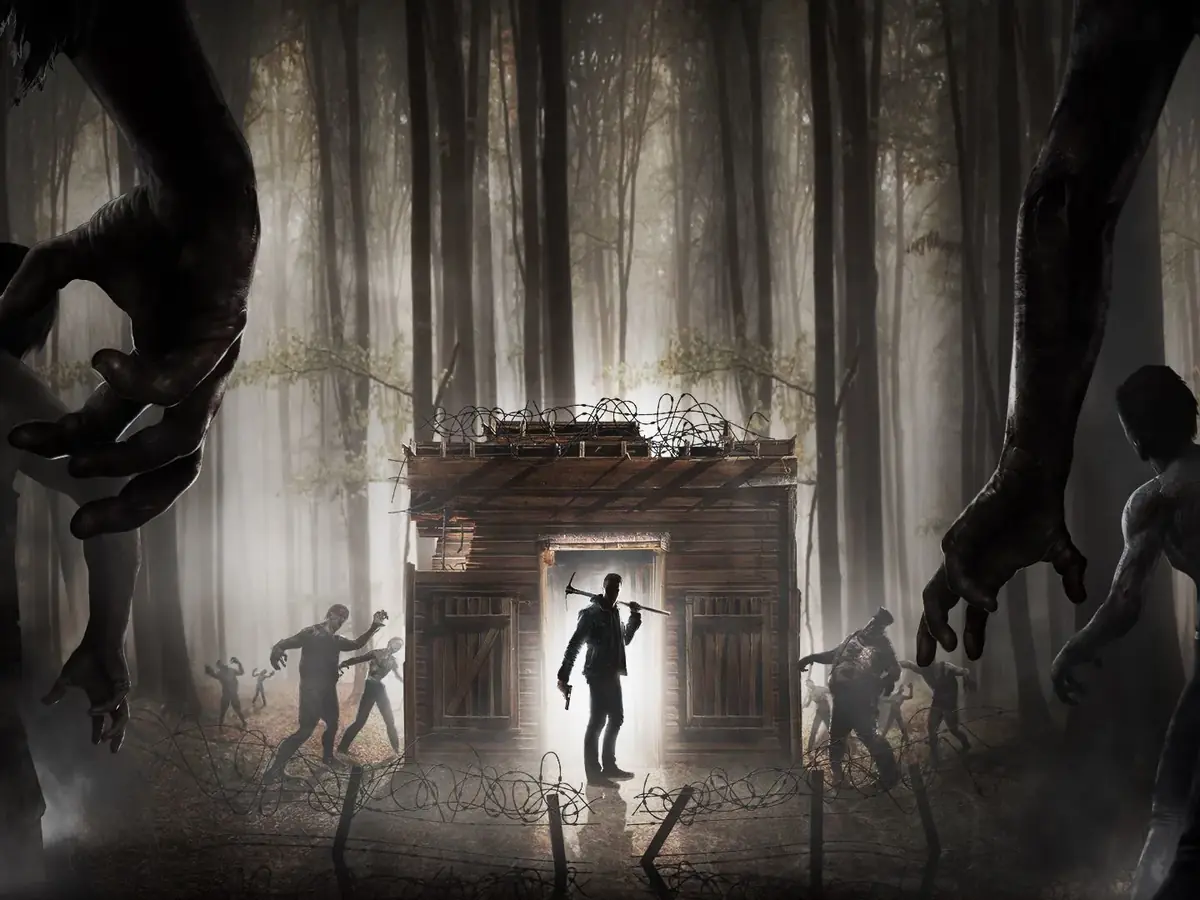
Rent your 7 Days to Die server hosted in France: optimized AMD Ryzen & Intel CPUs, NVMe storage, intuitive YorkHost panel, mods and overhauls supported. Your zombie apocalypse online in minutes.
From €1.99/month, no commitment.

Optimized AMD Ryzen & Intel CPUs, YorkHost panel, Anti-DDoS included.
Players online at the same time6 players
Survivor: 3 vCores and 8 GB RAM, sized for 5 to 8 players.
Rough estimate: actual load depends on your mods, plugins and world size.
Wanderer: €1.99 per month.
Survivor: €3.99 per month.
Raider: €7.99 per month.
Warlord: €14.99 per month.
Modes & Mods
Easy installation via our YorkHost panel. Switch configurations whenever you want.
Pure 7 Days to Die, no mods
Pre-generated 8192x8192 map
Pre-generated 16384x16384 map
Randomly generated world
Popular overhaul mod
Advanced survival mod
Complete overhaul
Advanced world generator
KingGen world generator
Full overhaul mods
Small targeted modifications
Custom maps
Guide
Renting a 7 Days to Die server from a dedicated host keeps your world online 24/7, even when the player who usually hosts is offline, without slowing down their PC or opening ports on their router. Here is our advice to pick the right plan for your group and get the most out of your 7DTD server.
A 7 Days to Die server's resource usage depends mainly on three factors: the number of connected players, the map size and the installed mods. Each player makes the server load their own area of the world, and an 8k or 16k RWG map uses far more memory than a small one.
These are guidelines only: you can upgrade at any time from your client area as your community grows.
Modlets (small XML modifications) and large overhauls are installed by dropping their folders into the server's Mods directory, using the YorkHost panel file manager. Darkness Falls, Undead Legacy and War3zuk add items, zombies and entire game systems: they need significantly more RAM and must also be installed by every player.
Always make sure the mod version matches the game version installed on the server before starting a game.
By default, every seven in-game days the Blood Moon sends zombie hordes after every player. It is the most demanding moment for the server: zombie AI, block physics and structural collapses put heavy load on the CPU. Our servers run on optimized AMD Ryzen and Intel CPUs with NVMe storage, which speeds up chunk loading and world saving.
For smooth horde nights, tune the number of zombies per player (BloodMoonEnemyCount) and the Blood Moon frequency (BloodMoonFrequency) in serverconfig.xml.
You manage your server from the YorkHost panel: real-time console, file manager to edit serverconfig.xml and serveradmin.xml, task scheduler and backups. Create a backup before every game update or overhaul install so you can roll back in a few clicks.
Our team answers on Discord 7 days a week to help with configuration, mod installation or troubleshooting.

Wanderer2 vCores · 6 GB
Small group of friends playing vanilla on a modest map.
Survivor3 vCores · 8 GB
Regular group, 8k RWG map, a few modlets.
Raider4 vCores · 16 GB
16k map or an overhaul such as Darkness Falls or Undead Legacy.
Warlord6 vCores · 32 GB
Large community, heavy overhaul and big map.
Why YorkHost
Performance, stability, and full mod compatibility.
We use Ryzen 9, Ryzen 7, Xeon Gold, Ivy Bridge, Haswell and Broadwell processors. All configurations are optimized for the best possible performance.
Modern and simple interface. Mod management, real-time console, file manager, automatic backups.
Discover the panelAll our services are protected against DDoS attacks. We work with Gcore, a specialist provider. We reserve the right to change provider at any time. For advanced or specific protection needs, please contact us.
10 Gbps network with optimized routing. Minimal latency for all your European players.
French team on Discord and by ticket, 7 days a week. Reply in under 2 hours.
Game servers are the first targets of DDoS attacks. The Gcore network automatically filters UDP and TCP floods before they reach your server: your community stays connected without their latency suffering.
Illustrative diagram: the counter, latency and bursts are simulated; attack types come from the list below.
Traffic is analysed by Gcore
Traffic arriving through our transit providers goes through the Gcore scrubbing network, spread across Europe, America and Asia.
Attacks are filtered out
Gcore absorbs volumetric attacks; our internal filters complement the filtering when needed.
Only legitimate traffic gets through
It is routed to your server in our Paris infrastructure, on our own network AS199415.
UDP flood
The most common vector against game servers and real-time services.
SYN / ACK flood
TCP connection exhaustion meant to make the server unreachable.
DNS, NTP, Memcached amplification
Volumetric reflection attacks, absorbed upstream.
HTTP flood (L7)
Request bursts targeting your websites, panels and APIs.
Standard protection covers most use cases. If your service is a frequent target or highly sensitive to downtime, a Premium Anti-DDoS option may be needed: it is available on all our offers.
Available as an option on all our offers: VPS, game servers, web hosting, dedicated servers and reseller.
The 200+ Tbps figure is the capacity of Gcore's global network, not a capacity reserved for each server. The filtering profile depends on the service and the network, and YorkHost may change its mitigation providers.
Everything about our Anti-DDoS protectionAnswers to frequently asked questions about our 7 Days to Die servers.
A 7 Days to Die server host provides a server dedicated to the game, running 24/7 in a datacenter. Unlike a game hosted on your PC, the world stays available even when you are offline, your computer is not slowed down, you do not need to open any ports on your router, and the server benefits from a stable connection and Anti-DDoS protection.
Modlets and major overhauls such as Darkness Falls, Undead Legacy or War3zuk are compatible. Simply drop their folders into the Mods directory using the YorkHost panel file manager. Overhauls that add content must also be installed by every player, in the same version as on the server.
For a small group playing vanilla on a modest map, 6 GB (Wanderer plan) is enough. Plan for 8 GB (Survivor) for a regular group on an 8k RWG map, 16 GB (Raider) for a 16k map or an overhaul like Darkness Falls, and 32 GB (Warlord) for a large community running a heavy overhaul. RAM needs grow with the number of players, the map size and the mods.
The number of players depends on your configuration. The Wanderer plan suits 4-8 players, while Warlord can host groups of 20+ players with mods.
Yes, you can use pre-generated maps (Pregen 8k, 16k), random generation (RWG) or custom maps via your panel.
Join the server once, then open the YorkHost panel console and run the command "admin add <player name or ID> 0" (level 0 grants full permissions). You can also edit the serveradmin.xml file, located in the server's Saves folder, with the file manager.
Our dedicated servers are primarily intended for PC (Steam) players. Since version 1.0 the game offers PC/console crossplay, but it is subject to conditions set by the publisher (notably an unmodded server), and modded servers remain PC-only. If console play is essential for your group, contact our support before ordering.
Yes, backups are included in every 7 Days to Die plan. You manage them from the YorkHost panel: create, restore and schedule them automatically with the task scheduler. We recommend creating one before every game update or mod install.
Your server is installed with the latest stable version of 7 Days to Die available on Steam. Since mods and overhauls often target a specific game version, check their compatibility before updating. Need a particular version? Contact our support.
Yes, your server is deployed automatically a few minutes after payment.
Launch your apocalypse
Deploy your 7 Days to Die server in minutes with our intuitive panel.